Program updates
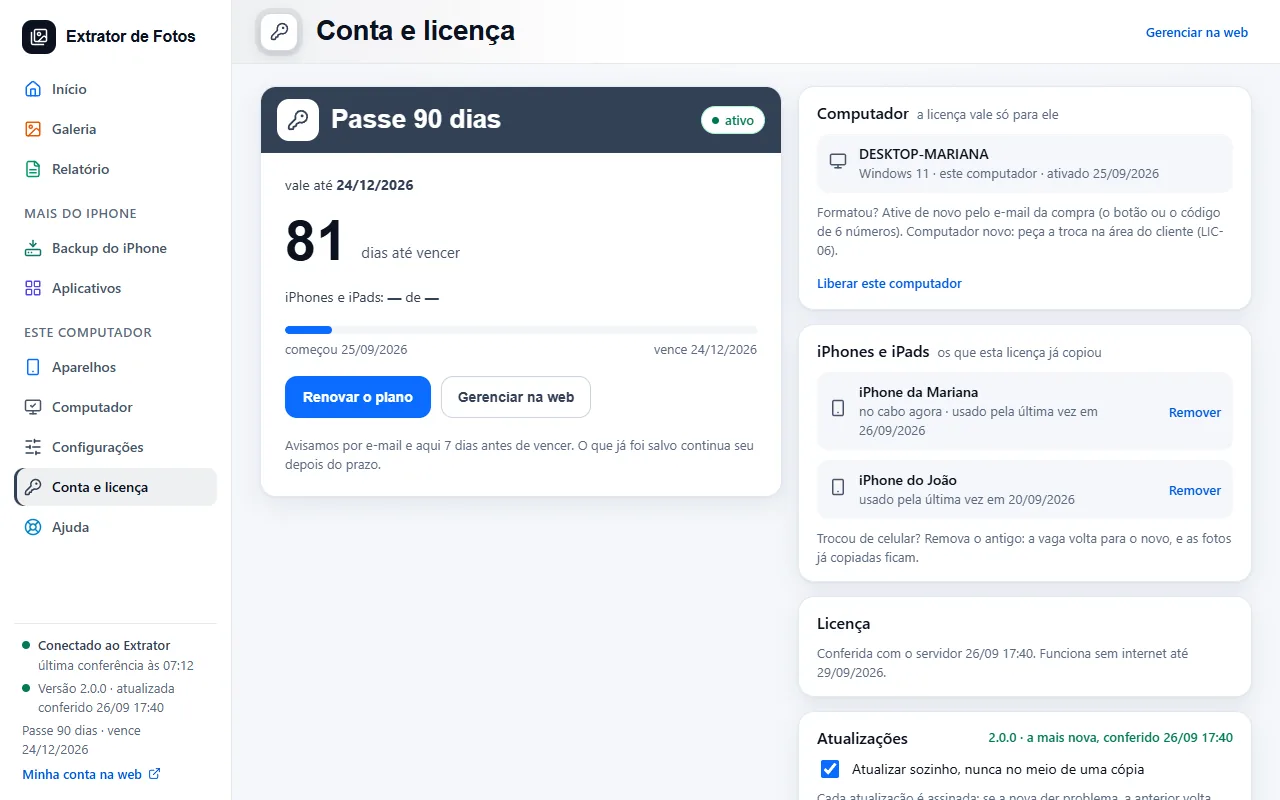
It downloads new versions by itself, installs only with your click, and rolls back if something goes wrong.
Step by step
In My license (or in Settings), “Download updates automatically” gets the new version ready. Installing always waits for your click, and never in the middle of a copy without pausing it safely first.
Every update is signed: the program only installs what came from us.
If the new version has a problem, the previous one comes back by itself.
If an error shows up
The code shows up on the program's screen. Each article has the cause and the fix.
More in Installing and your computer
Still not fixed? Contact support
The team replies by email and in the customer area. In the program: Help. The error code goes along.