Delete and erase
When it's safe to erase the iPhone, and what to check before you do.
Step by step
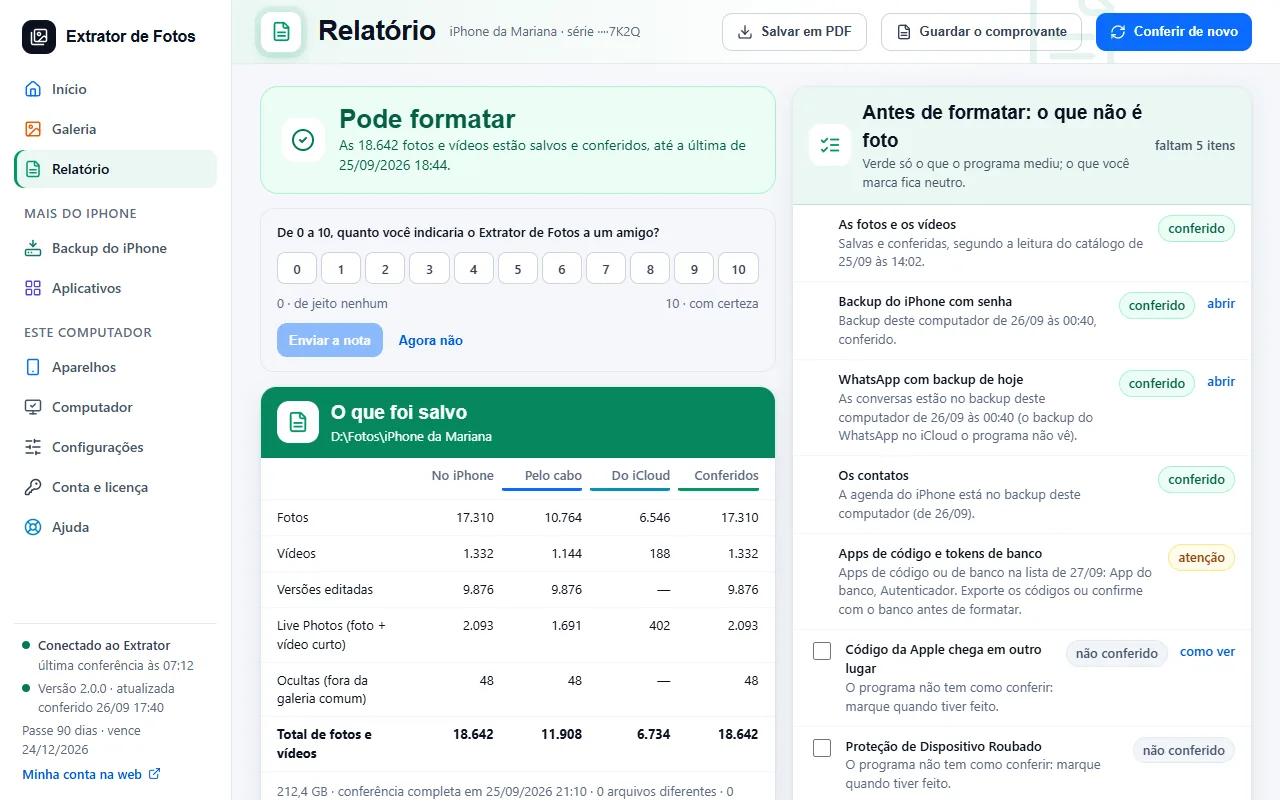 When it's safe to erase the iPhoneThe report says “Safe to erase” only when every file has been read back and verified.3 steps
- Before erasing: what isn't photosThings that disappear when you erase the iPhone. The Report has the list to check off.4 steps
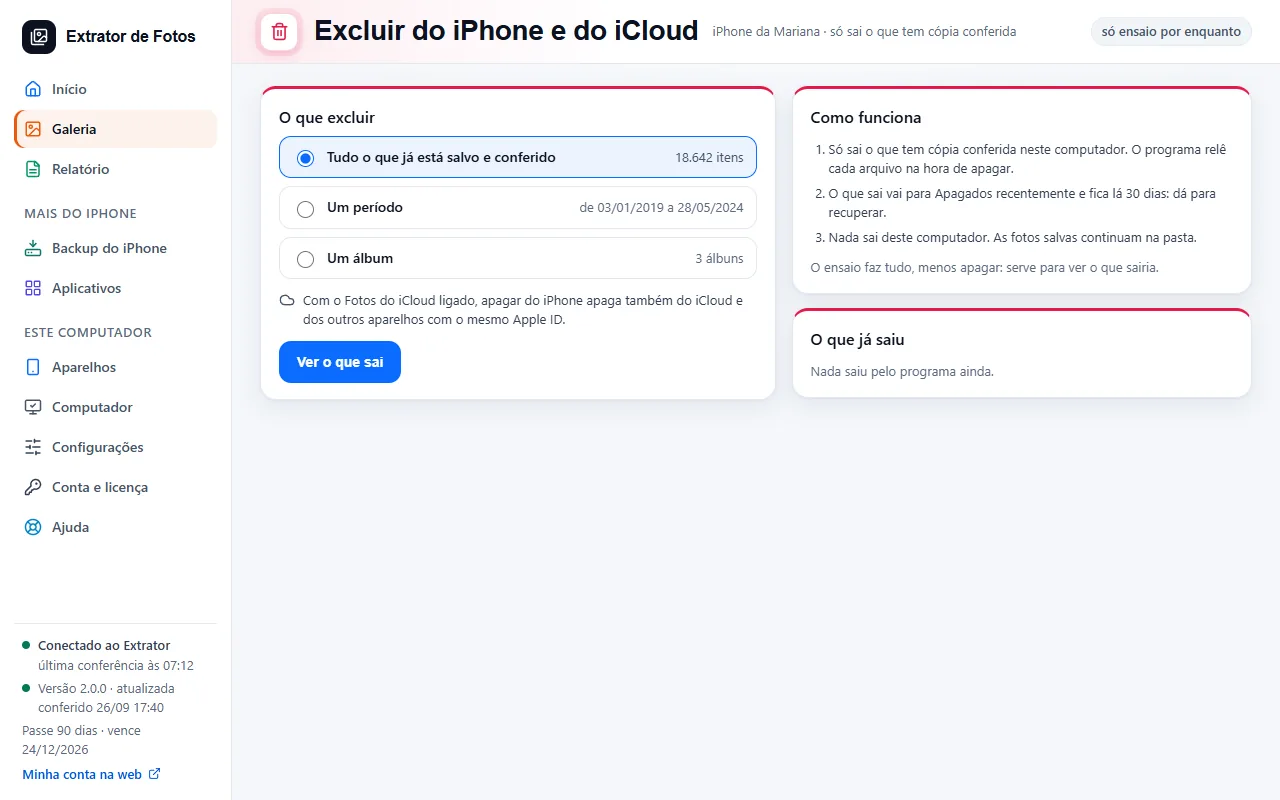 Delete through the program (for now, only the dry run)The dry run shows what would be removed from the iPhone and iCloud, without deleting anything.3 steps
- Have a copy of your photos that doesn't depend on iCloudWith iCloud Photos on, what disappears from one device disappears from all of them. A verified copy on your drive doesn't depend on that.4 steps
 Recovering deleted photos: what comes back and what doesn'tThe program already keeps what is in Recently Deleted on the iPhone and in iCloud. Once a photo leaves it, it only comes back if a copy was kept before, like an old iPhone backup.8 steps
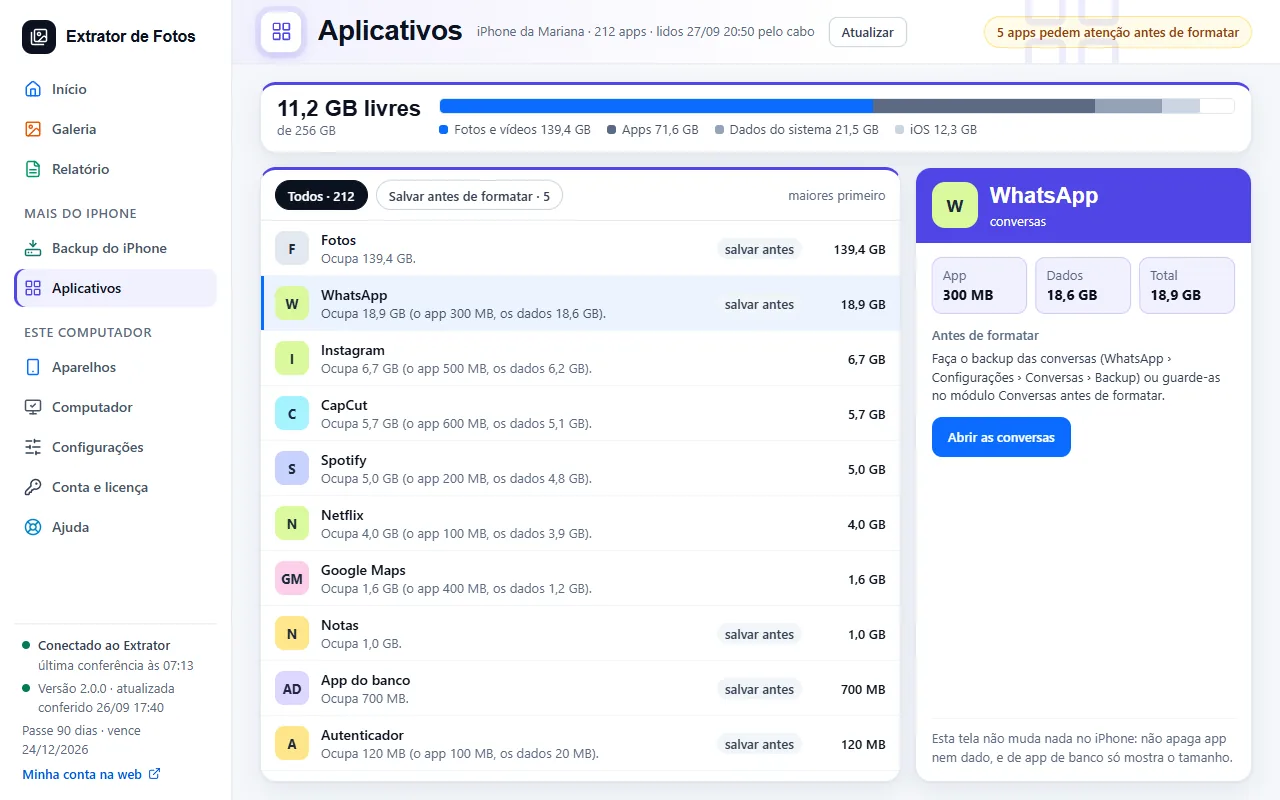 Why is my iPhone still full after copying and deleting the photos?A deleted photo stays in Recently Deleted for 30 days, and apps keep data and cache that don't go away with the photos. See where the space is and what you can free up.10 steps
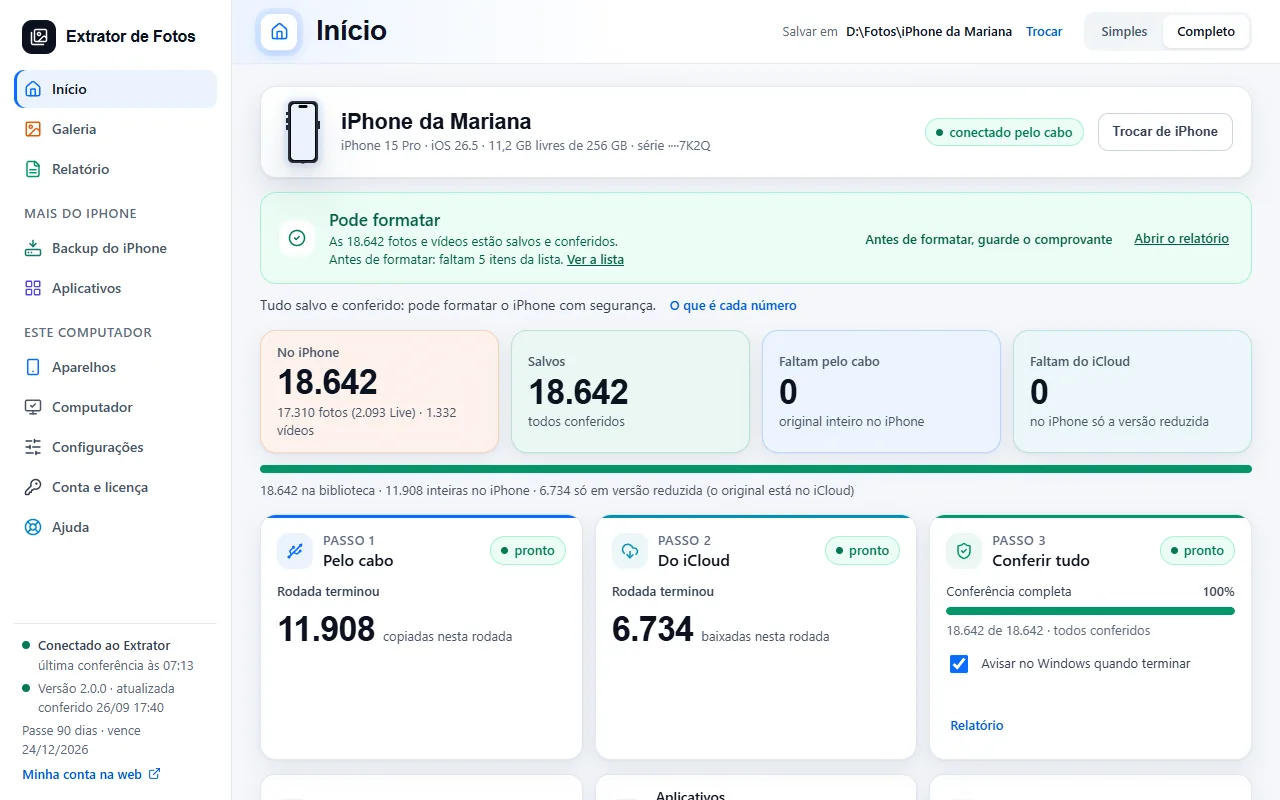 The transfer receiptThe record of what the program copied and verified, to keep before you format the iPhone.5 steps
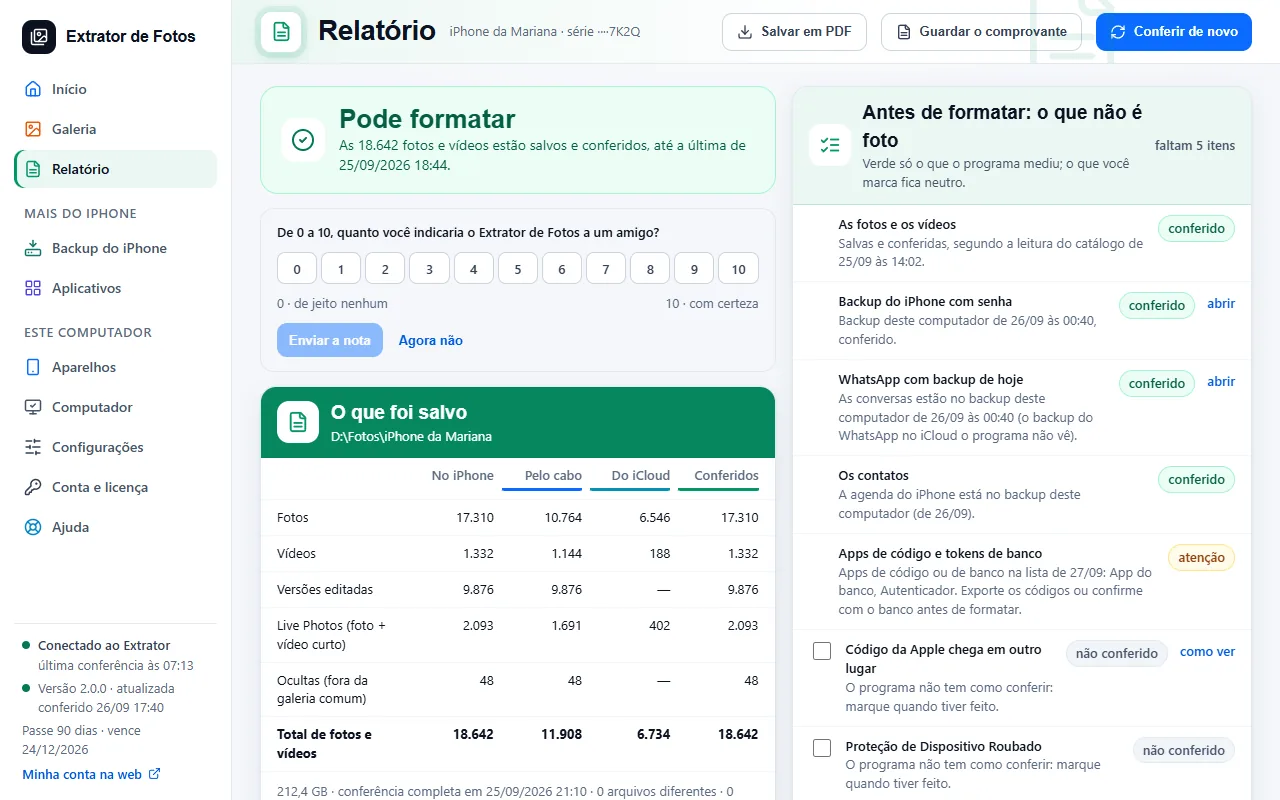 The Before formatting list: what each color meansPhotos, backup, WhatsApp, contacts and code apps in a single list. Green only for what the program measured.7 steps
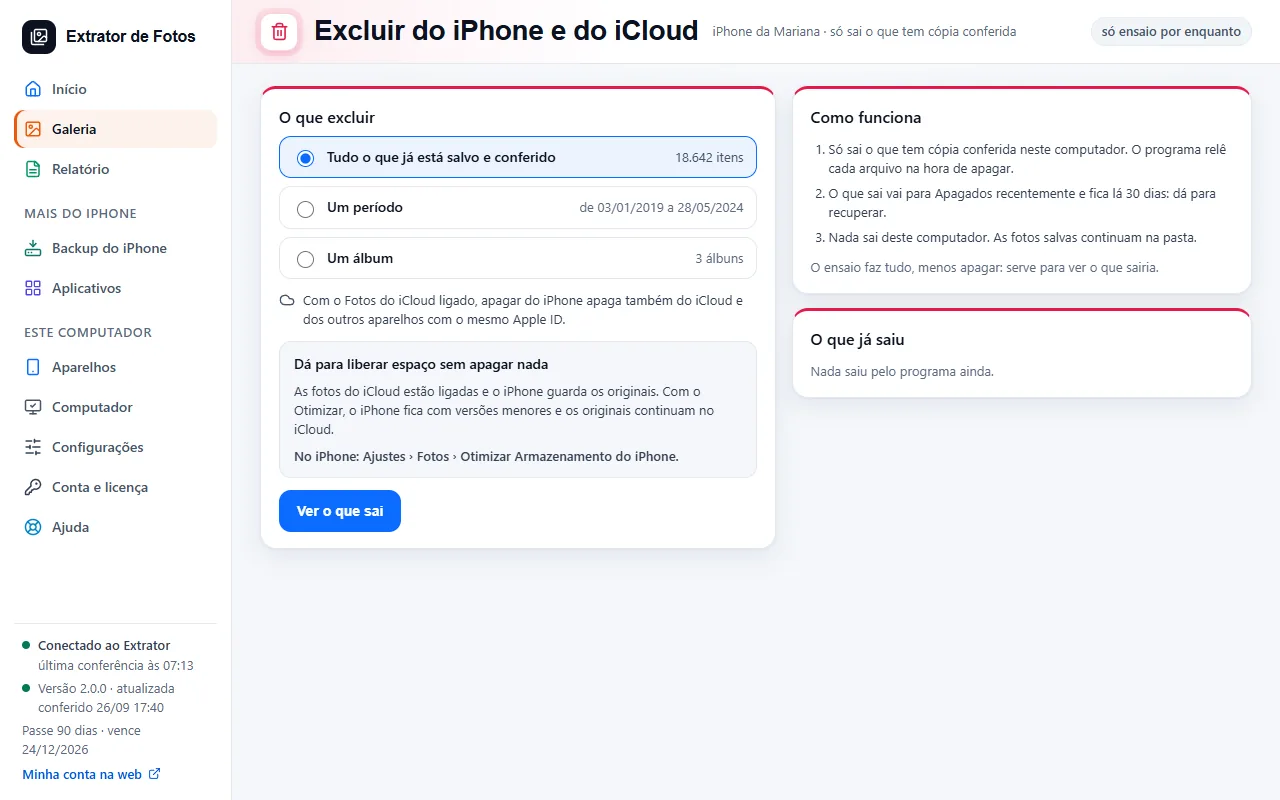 Freeing up space on the iPhoneThe way to do it without deleting anything and, to delete, the month-by-month list of what is already saved on this computer.7 steps
Error codes in this topic
The code shows up on the program's screen. Each one has the cause and what to do.
DEL-01This photo doesn't have a verified copy on this computer yetDEL-02The iPhone or iPad didn't allow the deletionDEL-03iCloud didn't allow the deletionDEL-04Deleting here deletes from the iPhone or iPad, iCloud and all your devicesDEL-05The list changed since the previewDEL-06This way of deleting hasn't been proven yetFOR-01“Something on the Before you erase list is still missing”FOR-02“The erase guide is not open for this device”
Still not fixed? Contact support
The team replies by email and in the customer area. In the program: Help. The error code goes along.