The transfer receipt
The record of what the program copied and verified, to keep before you format the iPhone.
Step by step
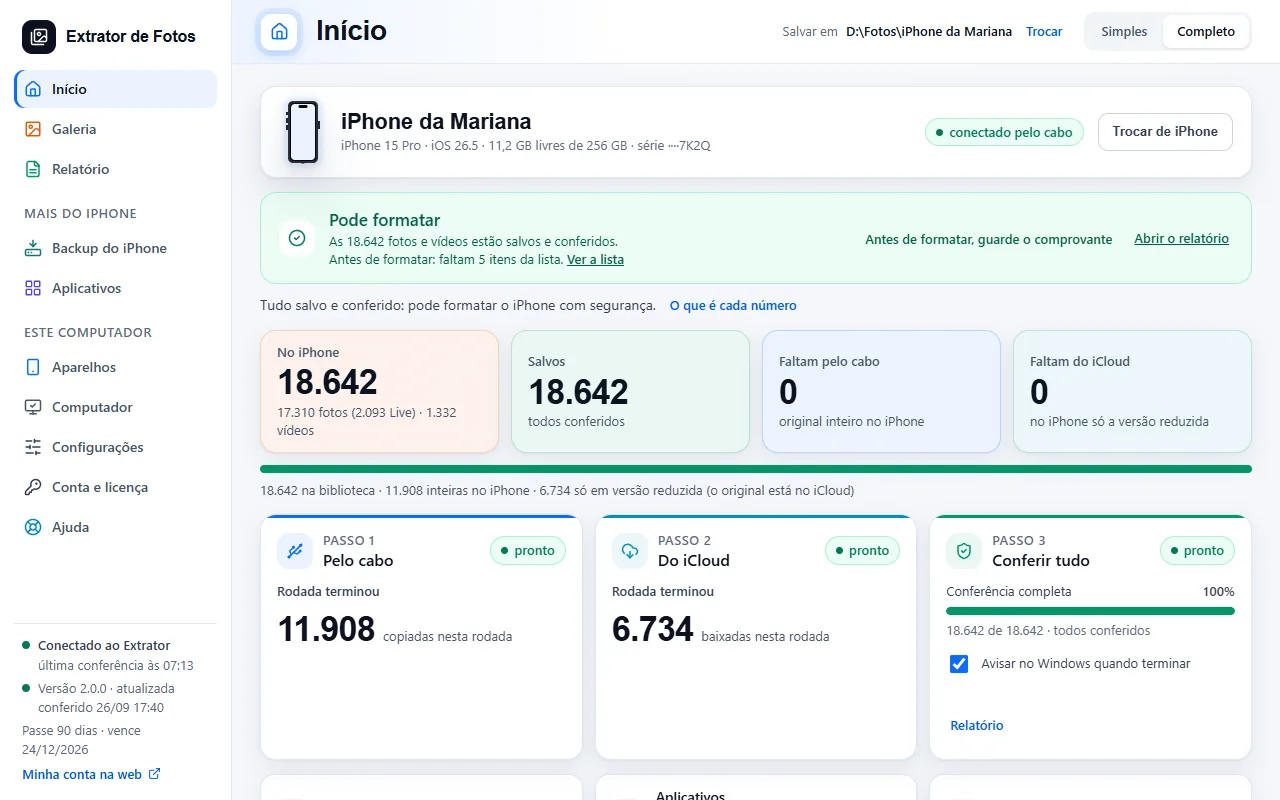
In the Report, click “Save the receipt”. When Home shows “Safe to erase”, it also reminds you: “Before erasing, save the receipt”.
The program creates the PDF and the HTML and a “File list”, in the iPhone's folder. If the PDF doesn't come out, the HTML is enough.
It says how many items are on the iPhone, how many were saved (over the cable and from iCloud), what was left out and why, the verification and the date.
The verifiable summary lets you check, later, whether the list and the files are still the same. It is the record of what the program copied and verified, not a guarantee.
Can't format yet? The receipt records what was saved so far, with the reason at the top.
More in Delete and erase
- When it's safe to erase the iPhone
- Before erasing: what isn't photos
- Delete through the program (for now, only the dry run)
- Have a copy of your photos that doesn't depend on iCloud
- Recovering deleted photos: what comes back and what doesn't
- Why is my iPhone still full after copying and deleting the photos?
- The Before formatting list: what each color means
- Freeing up space on the iPhone
Still not fixed? Contact support
The team replies by email and in the customer area. In the program: Help. The error code goes along.