Lost, stolen, or sold computer
Freeing up the slot is for switching computers, and the same computer can come back with the code. Turning it off is for a lost, stolen, or sold one: it doesn't come back by itself.
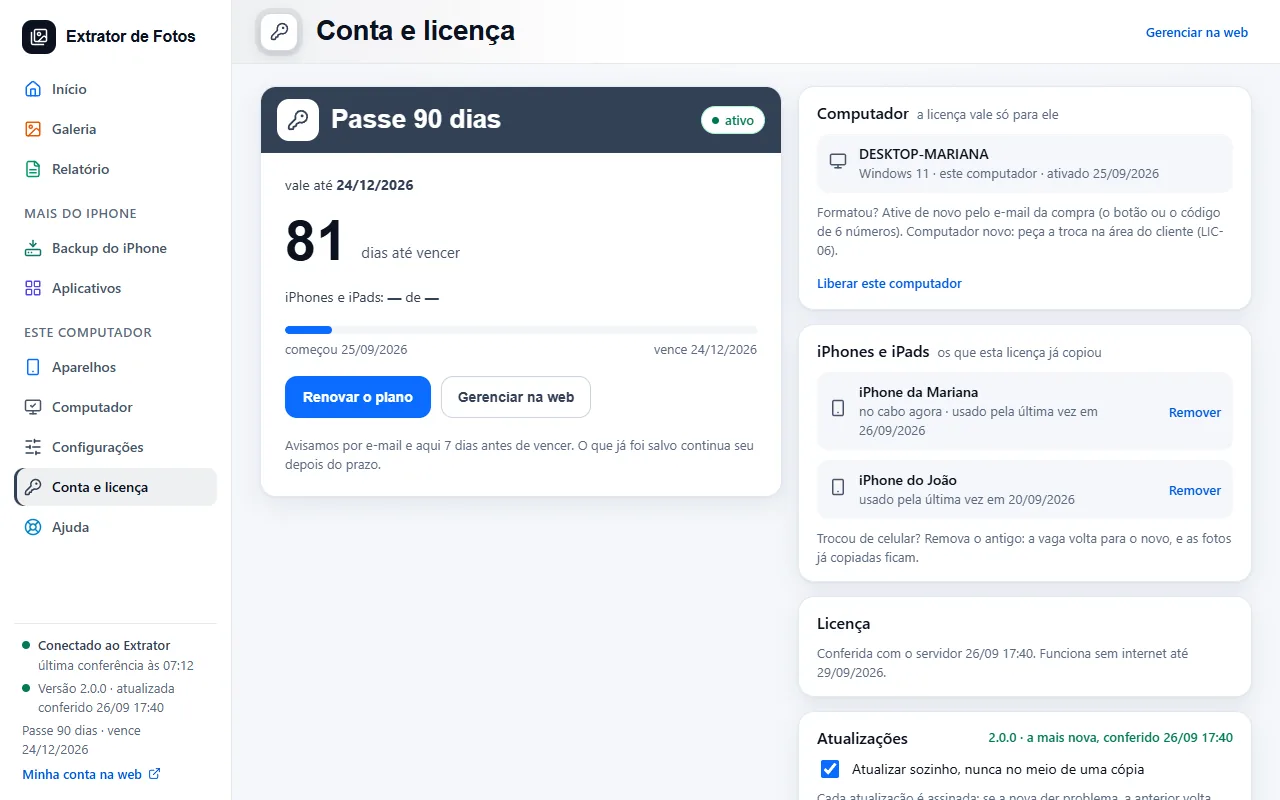
Step by step
Switched computers? Request a switch in the customer area: the team frees up the slot, and the old computer can still come back with the code, if there's a free slot.
Lost, stolen, or sold the computer? Open a support ticket in the customer area asking to turn off that computer. This doesn't count toward the yearly switch limit.
Once it's turned off, it stops copying at the next check and doesn't come back by itself, not even with the code. The photos that were already on it stay there.
The slot is freed up right away: activate the new computer from the purchase email.
Was it a mistake? Contact support: the team turns the computer back on, if its slot is still free.
If an error shows up
The code shows up on the program's screen. Each article has the cause and the fix.
More in Account and license
- Activate the license on the computer
- You reformatted or switched computers
- Payment and refund
- How billing works
- What stays on the computer and what goes to the cloud
- Creating the account inside the program
- Assistance mode: one service per customer
- The cloud does not respond, or the computer has no internet
- The program went back to the free plan
- Changed iPhones? Free up the spot on the license
Still not fixed? Contact support
The team replies by email and in the customer area. In the program: Help. The error code goes along.