Restore the backup on a new iPhone
Still being tested in the program: it arrives after it is tested on a test device. Until then, the backup stays on your drive.
Step by step
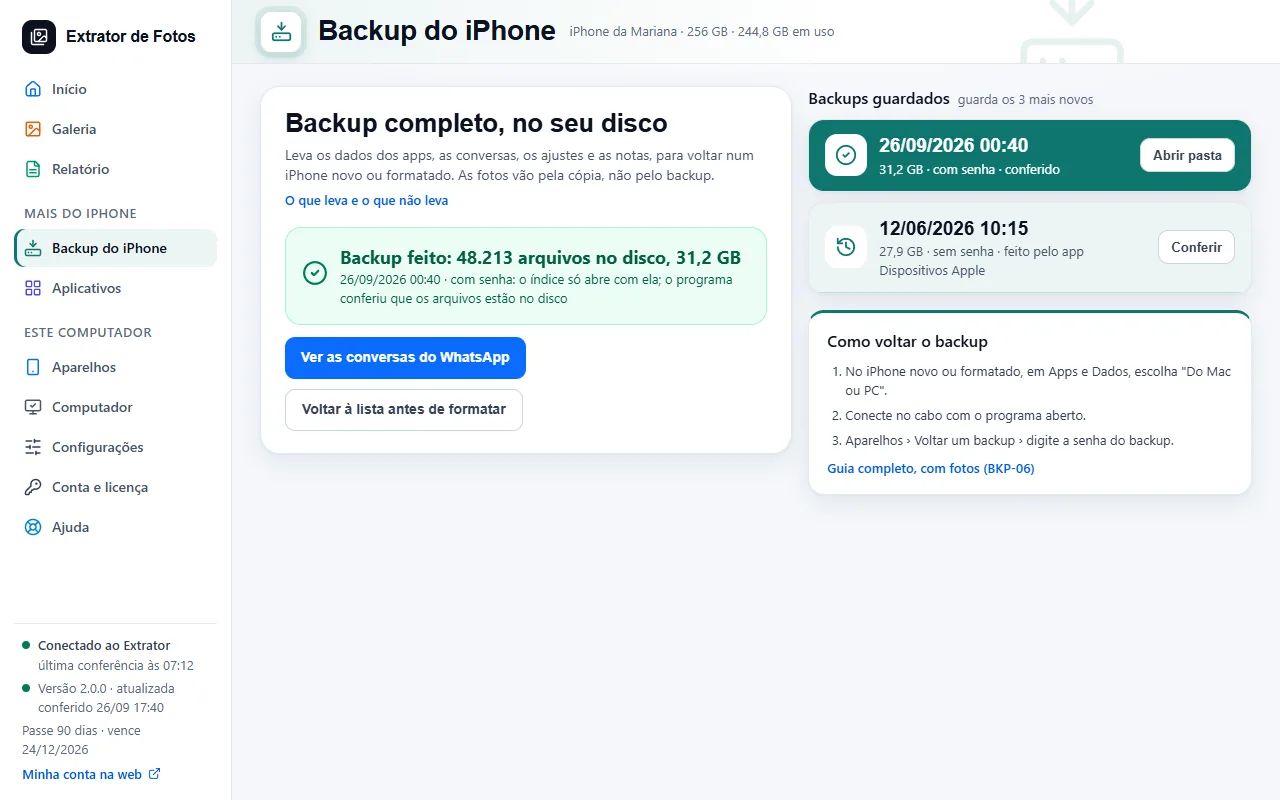
On the new or erased iPhone, on the Apps & Data screen, choose From Mac or PC.
Connect it to the cable with the program open.
In the program, open Devices › Restore a backup and enter the backup password.
If an error shows up
The code shows up on the program's screen. Each article has the cause and the fix.
More in iPhone backup
Still not fixed? Contact support
The team replies by email and in the customer area. In the program: Help. The error code goes along.