Make a full backup of the iPhone
A copy of the whole iPhone, on the drive you choose. The photos are already in the photos folder.
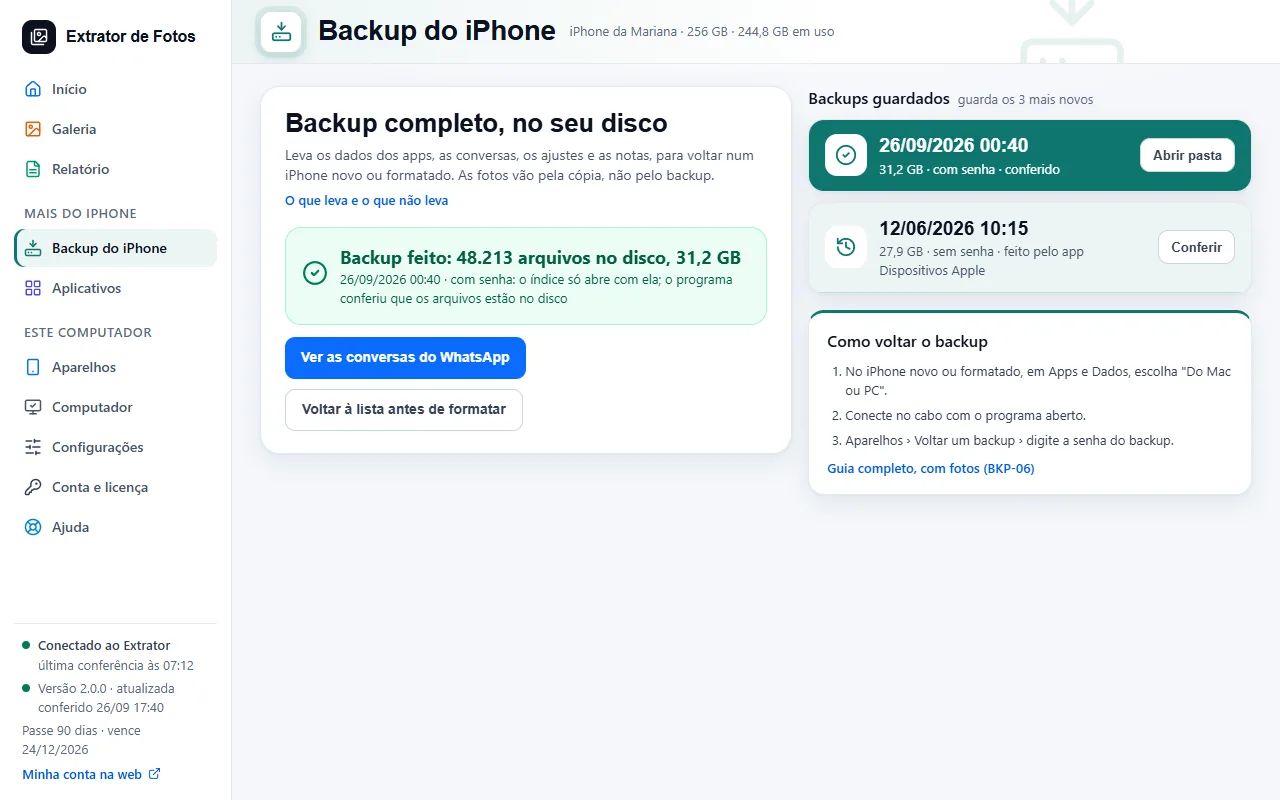
Step by step
Open iPhone backup. Saved passwords, Health, and Wi-Fi networks are included only with a password. If the iPhone doesn't have a backup password yet, turning one on from here is still being tested, and the backup is made without a password.
If the backup has a password, write it down: without it, the backup won't open, and no one can recover it.
Check the folder: Apple's default saves to C:, and here you choose the drive.
Click Back up now. On iOS 26, the iPhone may ask for its passcode to start.
If an error shows up
The code shows up on the program's screen. Each article has the cause and the fix.
More in iPhone backup
Still not fixed? Contact support
The team replies by email and in the customer area. In the program: Help. The error code goes along.