What the iPhone backup includes and what it doesn't
The backup keeps what's on the iPhone itself. What's already in iCloud, Face ID, and Apple Pay are left out.
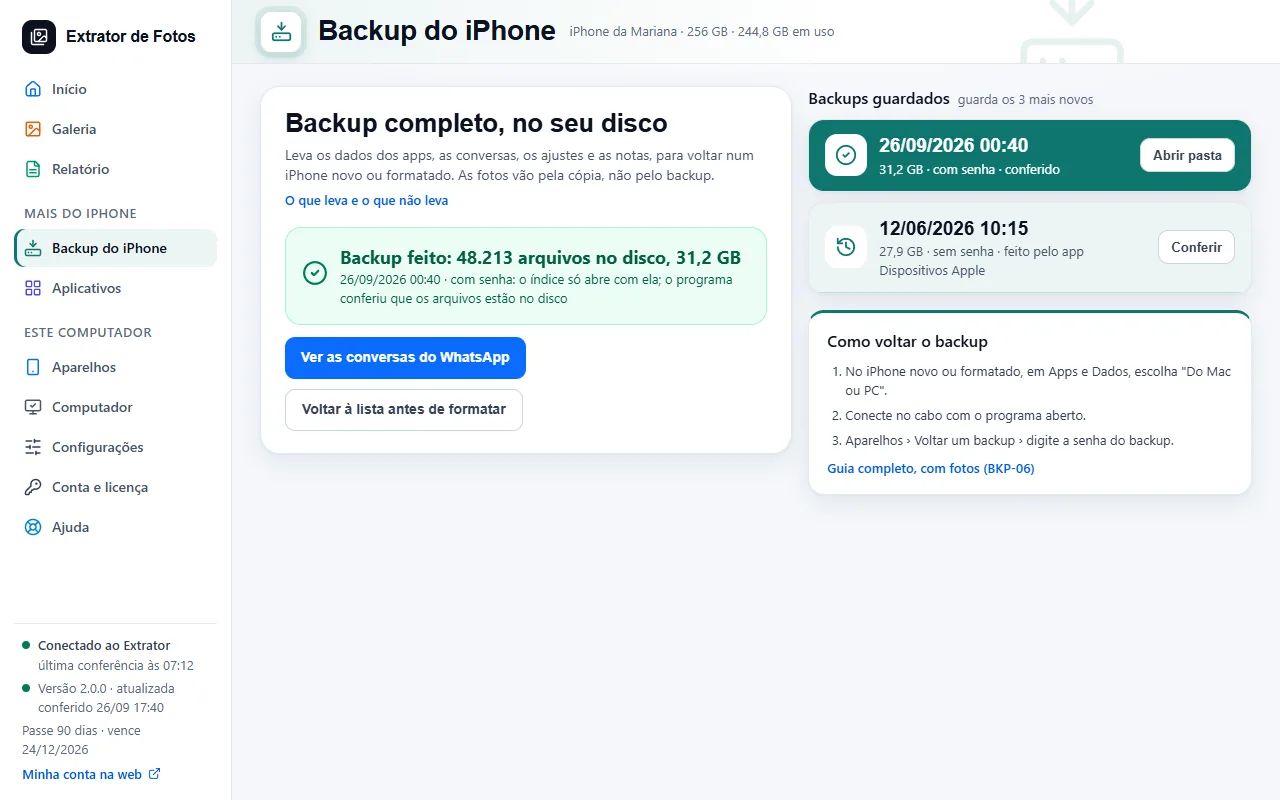
Step by step
The backup includes what the iPhone keeps on the device itself: app data, conversations, settings, and notes.
With a password, it also includes saved passwords, Wi-Fi settings, website and call history, and Health data. Without a password, those are left out. Turning on the password on an iPhone that doesn't have one yet is still being tested.
It doesn't include what's already in iCloud: iCloud photos, email, and synced contacts. With iCloud Photos on, the photos don't go into the backup: the program brings the photos separately, over the cable and from iCloud.
It doesn't include Face ID, Touch ID, or Apple Pay cards: those are set up again on the iPhone.
The apps themselves don't go inside the backup: on the new iPhone, they download again from the App Store.
Write down the backup password: without it, the backup won't open, and no one can recover it.
If an error shows up
The code shows up on the program's screen. Each article has the cause and the fix.
More in iPhone backup
Still not fixed? Contact support
The team replies by email and in the customer area. In the program: Help. The error code goes along.