Connect the iPhone for the first time
Only the first time on each computer: the Apple driver, the cable, and tapping Trust.
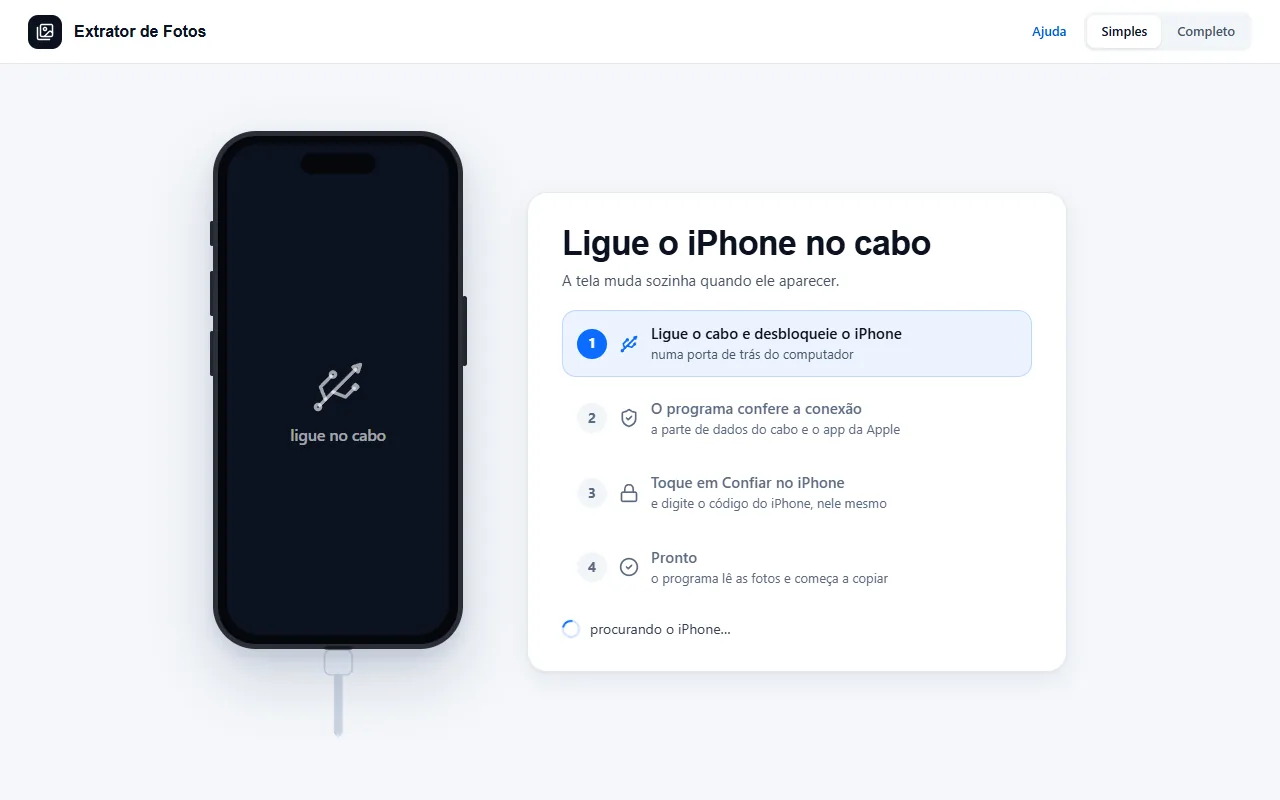
Step by step
Install the free Apple Devices app from the Microsoft Store. The program checks by itself whether it's already on the computer.
Plug the iPhone into the cable, directly into a port on the computer (avoid hubs and extensions).
Unlock the iPhone and tap Trust. Then the iPhone asks for its passcode, the one you use to unlock the screen.
That's it: the program recognizes the iPhone and starts counting the photos.
On a computer with processing power to spare, simple mode shows the iPhone in 3D: “Drag to turn the iPhone”. The screen's “Drag the cable to the port” is only an illustration: what connects is the real cable.
If an error shows up
The code shows up on the program's screen. Each article has the cause and the fix.
More in Connect the iPhone
Still not fixed? Contact support
The team replies by email and in the customer area. In the program: Help. The error code goes along.