Download from iCloud
Photos that are only in iCloud, in the original, straight from Apple to your drive.
Step by step
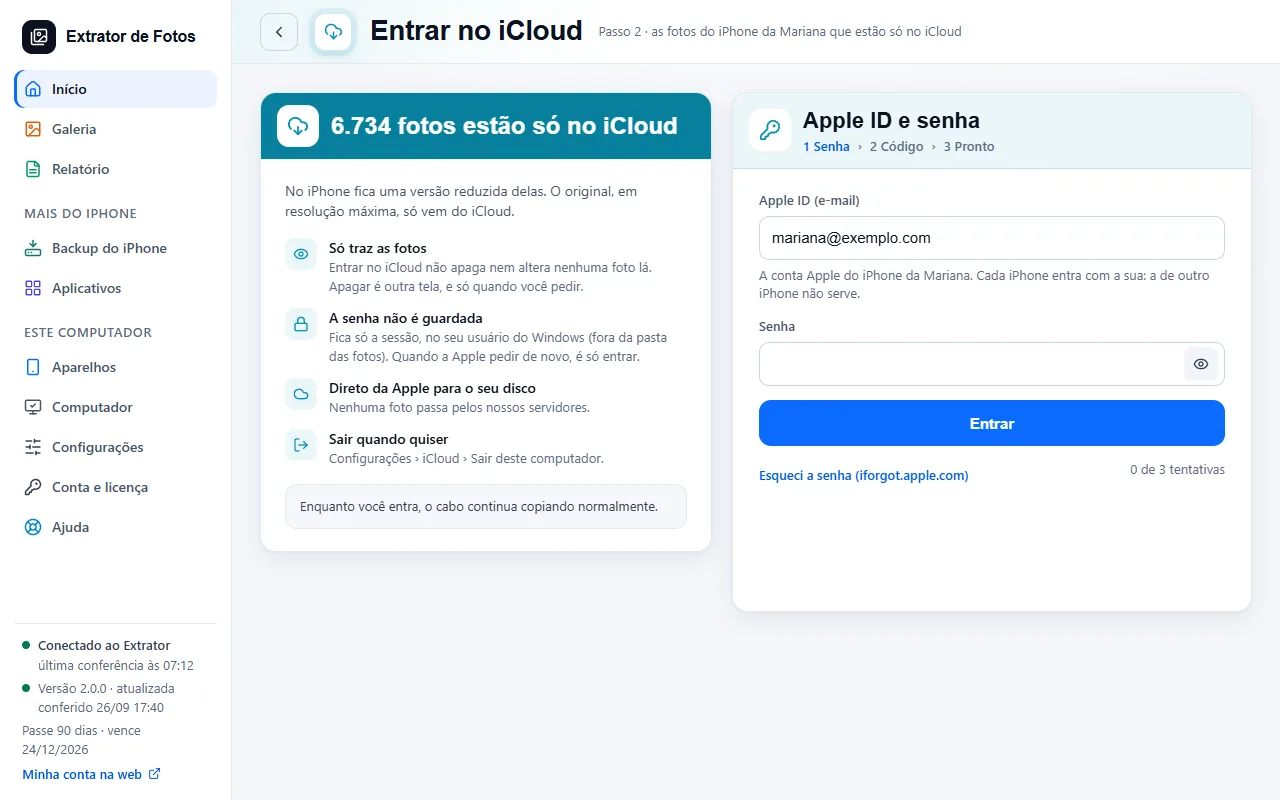 Download the photos that are only in iCloudWith “Optimize iPhone Storage”, the iPhone keeps a smaller version. The original comes from iCloud.4 steps
- The whole library doesn't show up in WindowsWith iCloud Photos on, some of the originals are only in the cloud, and Windows can't see them over the cable.4 steps
- iCloud for Windows doesn't download the photosThe iCloud for Windows app is slow, freezes, or leaves the folder empty. The program fetches only what's missing, straight from Apple.4 steps
Error codes in this topic
The code shows up on the program's screen. Each one has the cause and what to do.
ICL-01The iCloud password isn't acceptedICL-02Apple locked the iCloud accountICL-03Apple's 6-digit code doesn't arriveICL-05A notice asking you to accept the iCloud termsICL-06iCloud download refused: Advanced Data ProtectionICL-07iCloud download refused: web access is offICL-08The iCloud download stopped midwayICL-09Some photos that were only in iCloud were not found thereICL-10Apple changed the iCloud sign-inICL-12“The video of a Live Photo, or the edited version of a photo, did not come from iCloud”
Still not fixed? Contact support
The team replies by email and in the customer area. In the program: Help. The error code goes along.