The whole library doesn't show up in Windows
With iCloud Photos on, some of the originals are only in the cloud, and Windows can't see them over the cable.
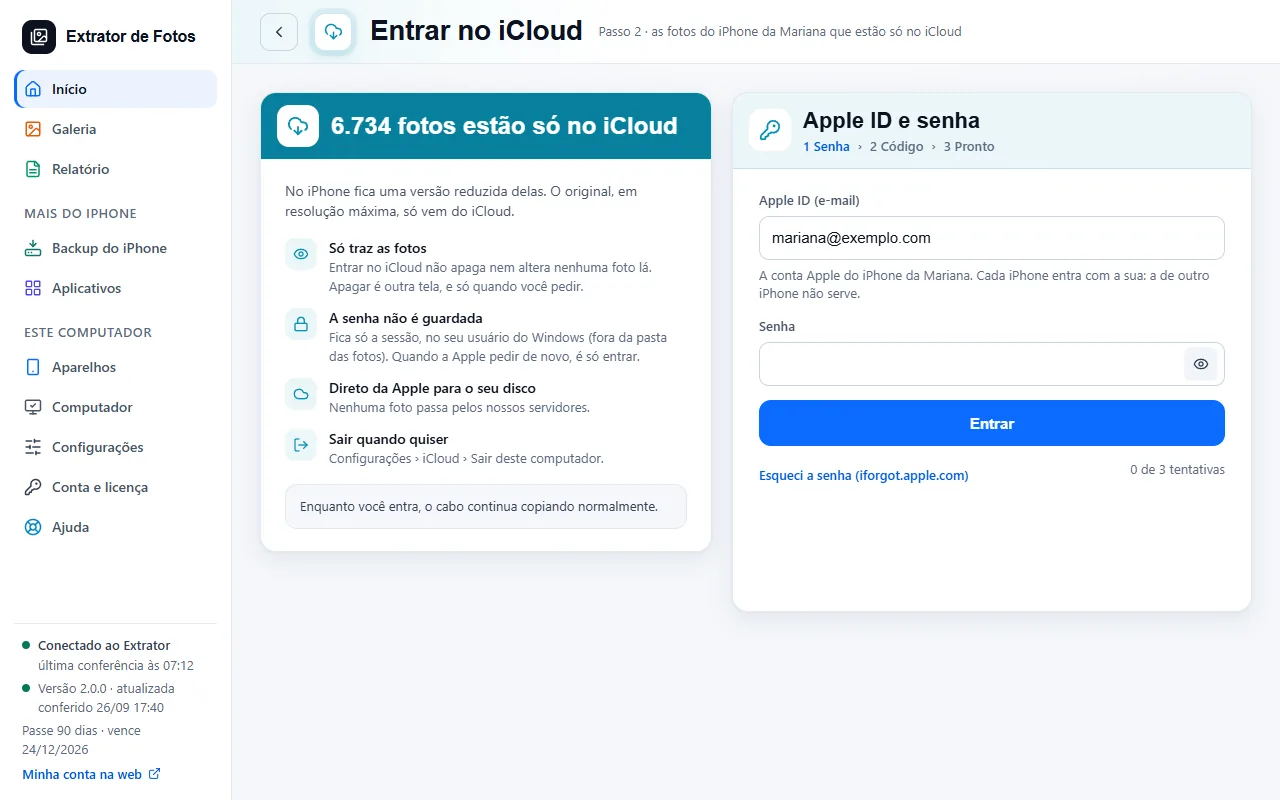
Step by step
Connect the iPhone: the program counts the whole library and shows how many photos and videos are only in iCloud.
Sign in to iCloud through the program to bring those originals at full resolution, straight to your drive.
Hidden photos and those in Recently Deleted go to their own folders and are counted in the report.
If a photo in the catalog can't be found, the program also looks in the Shared Library and lists its date in the report.
If an error shows up
The code shows up on the program's screen. Each article has the cause and the fix.
More in Download from iCloud
Still not fixed? Contact support
The team replies by email and in the customer area. In the program: Help. The error code goes along.