Download the photos that are only in iCloud
With “Optimize iPhone Storage”, the iPhone keeps a smaller version. The original comes from iCloud.
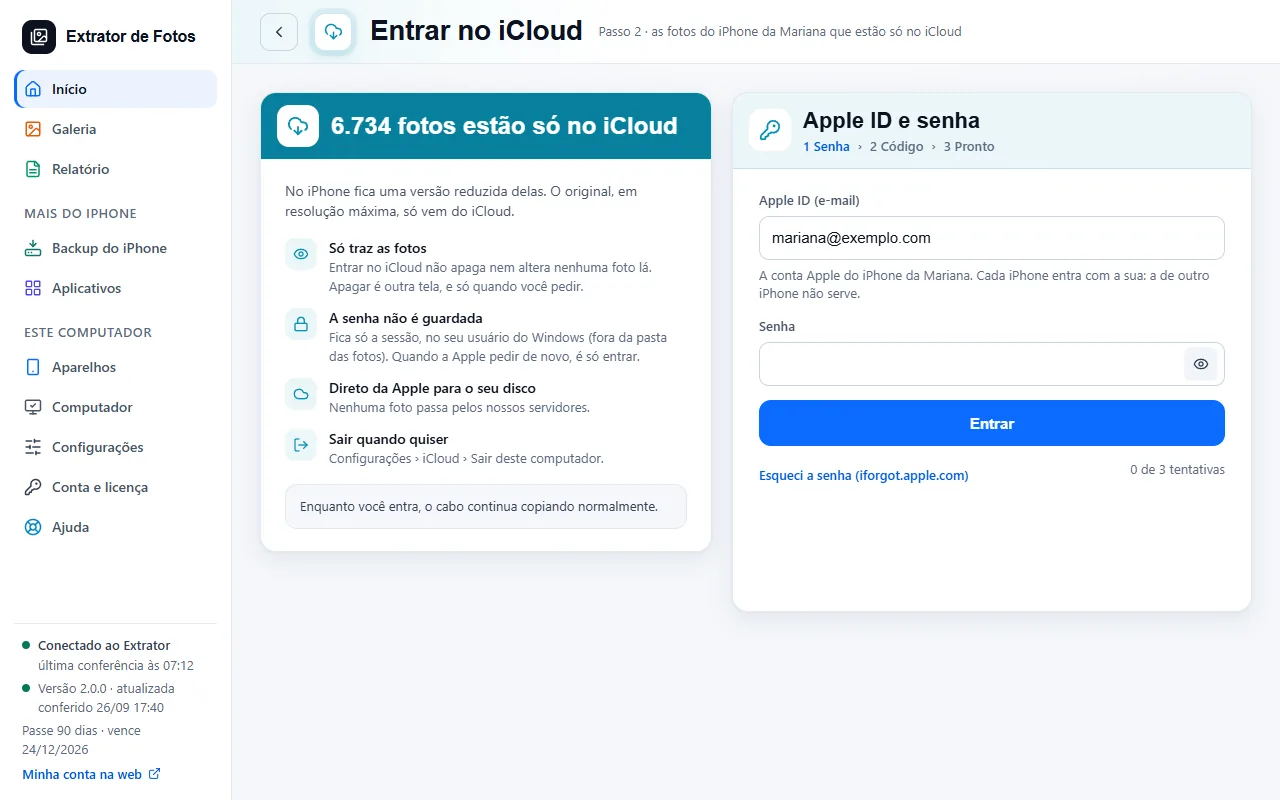
Step by step
The program counts how many photos are only in iCloud and shows you before asking for anything.
Sign in with your Apple ID and password inside the program. The password isn't saved: only the session stays, for about 2 months.
Enter the 6-digit code that Apple sends to your iPhone or another one of your devices.
The program downloads only what's missing, straight from Apple to your drive. Meanwhile, the cable keeps copying.
If an error shows up
The code shows up on the program's screen. Each article has the cause and the fix.
More in Download from iCloud
Still not fixed? Contact support
The team replies by email and in the customer area. In the program: Help. The error code goes along.