iCloud for Windows doesn't download the photos
The iCloud for Windows app is slow, freezes, or leaves the folder empty. The program fetches only what's missing, straight from Apple.
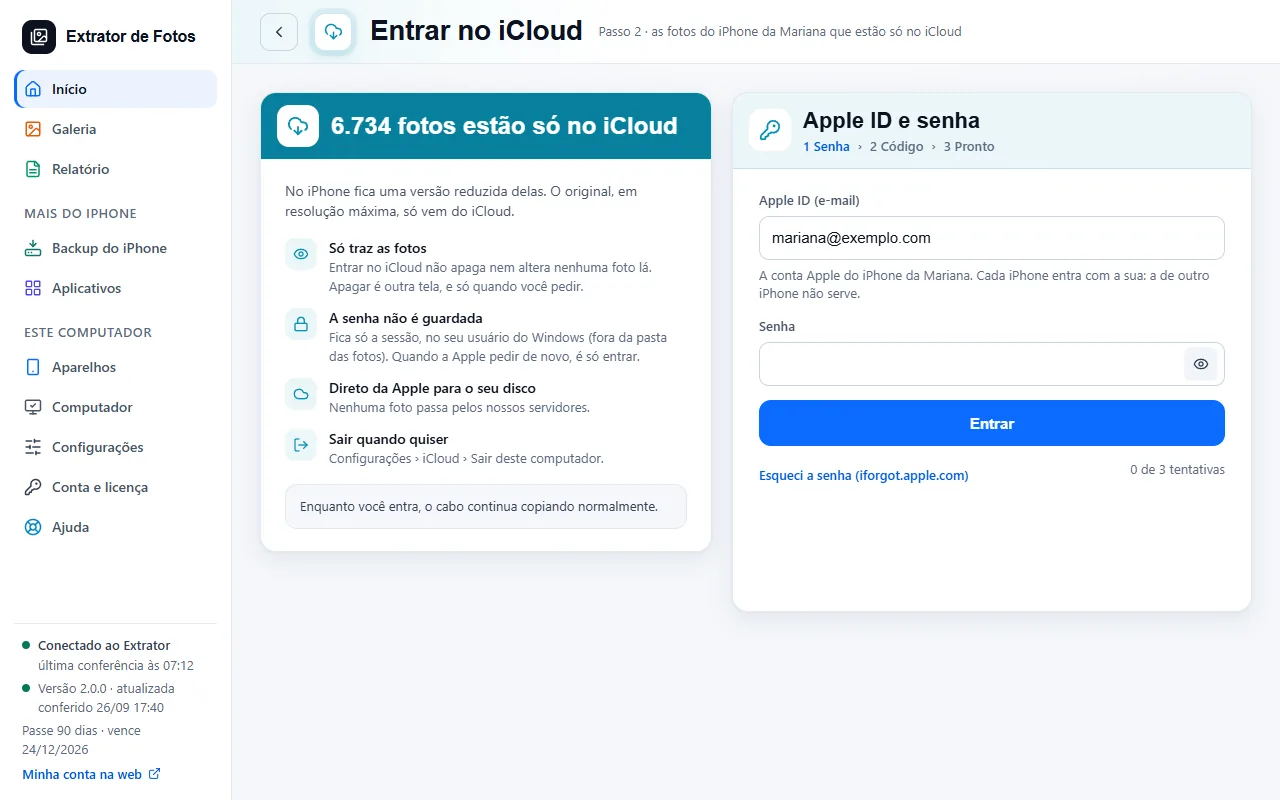
Step by step
You don't need the iCloud for Windows app: sign in with your Apple ID inside the program.
It downloads only the photos that aren't on the iPhone, straight to the folder you chose, on whichever drive you want.
If the internet drops or the drive fills up, it picks up where it left off. If the Apple session expires, it asks you to sign in again.
Avoid a folder synced with OneDrive, like the Windows Pictures folder: the program warns you before it starts.
If an error shows up
The code shows up on the program's screen. Each article has the cause and the fix.
More in Download from iCloud
Still not fixed? Contact support
The team replies by email and in the customer area. In the program: Help. The error code goes along.